
Intelligent Delivery Management
Start your 14-day free trial and get the cutting-edge technology to rapidly scale up and optimize your last mile operations.

How WooDelivery Simply Works?
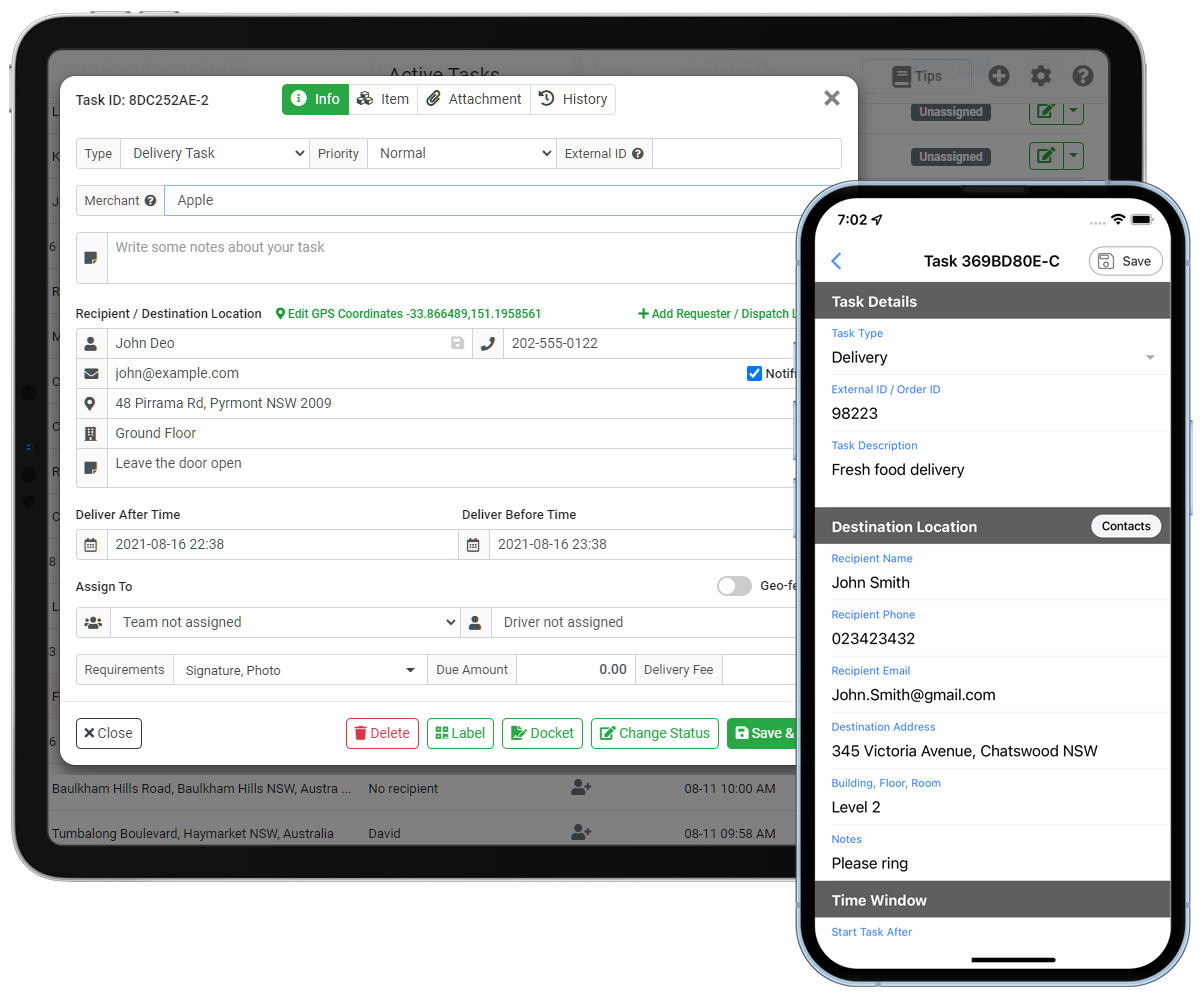
Task Creation
- Dashboard – Task Creation & Bulk Upload
Easily create single or multiple tasks directly from the Admin Dashboard, or upload large batches of tasks using a spreadsheet for fast, efficient processing. - Custom Booking Forms
Online booking forms let your staff or customers create tasks without logging into WooDelivery. Build fully customizable forms, share them via link, or embed them into your website, making it simple for customers to submit new delivery requests anytime. - Mobile Apps
Tasks can also be created through the WooDelivery Merchant/Customer App and Manager App, available on both Android and iOS, providing flexibility and convenience from any device. - Ordering platforms/POS/API
Connect your third-party websites, e-commerce platforms, POS systems, or custom applications to WooDelivery. With seamless API integration, you can automate task creation and run your business on autopilot.
Task Assignment
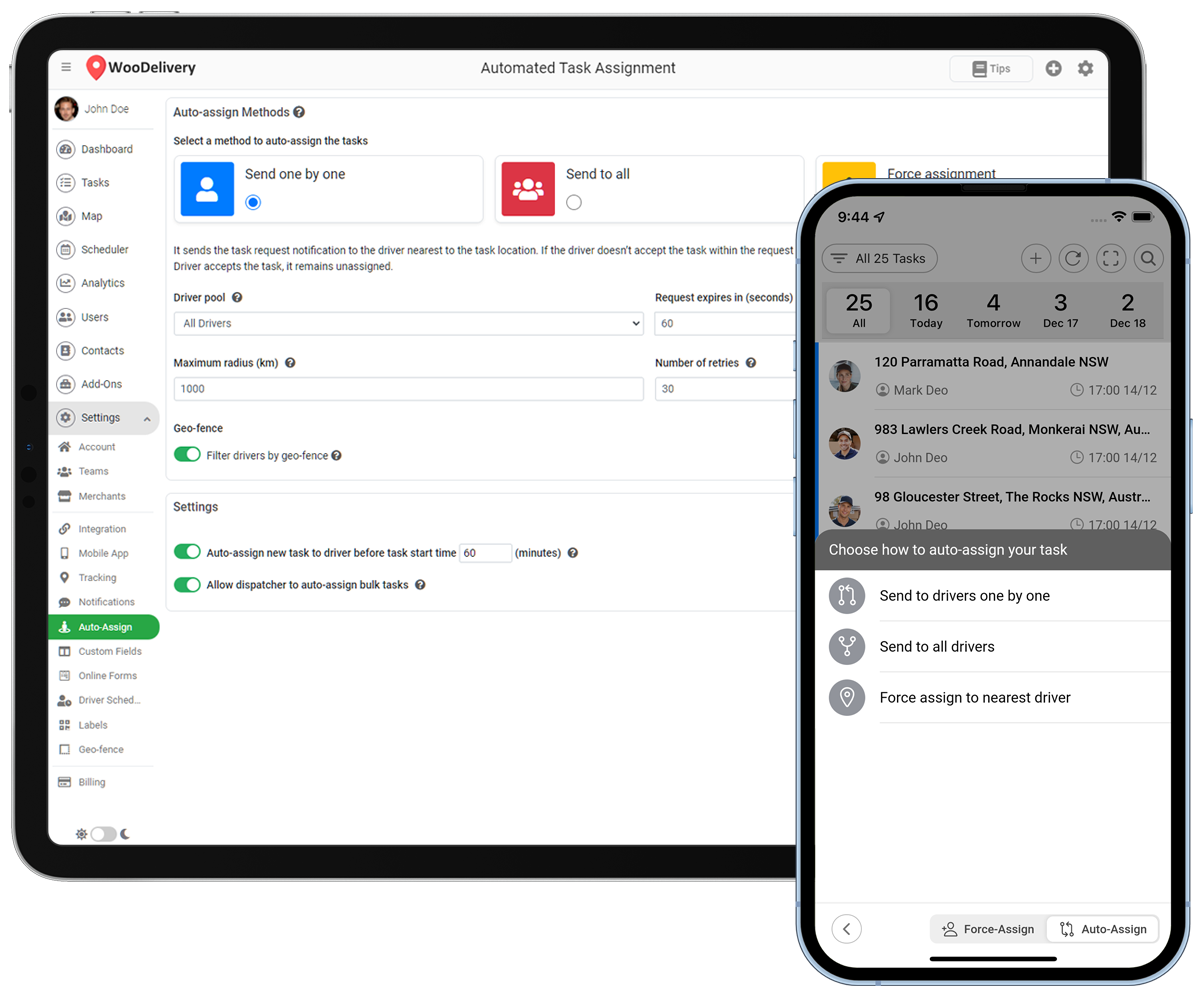
- Automated Task Assignment
Save your dispatch operator’s time by auto-assigning newly created delivery tasks to your drivers closest to the delivery or the 1st driver who accepts it. - Manual Task Assignment
You can manually assign new tasks to your available drivers to meet your deliveries constructively. - Route Optimisation
Route optimization engine considers time, location, capacity and traffic to produce the most efficient routing solutions. It can find the best route between delivery destinations. - Geo-fencing
This feature allows you to draw your own area over the map and assign drivers to that region. It solves the zoning issues and helps if you want to limit the tasks that are being sent to the drivers limited zone wise.
- Task Self-Assignment
Drivers can browse the unassigned tasks on their mobile app, and assign any of unassigned tasks to themselves. - Scan To Assign
Drivers can scan a QR code /barcode to get tasks assigned to them via mobile app. Multiple tasks with same barcode can be assigned at once.
Task Execution
- Automated Notification
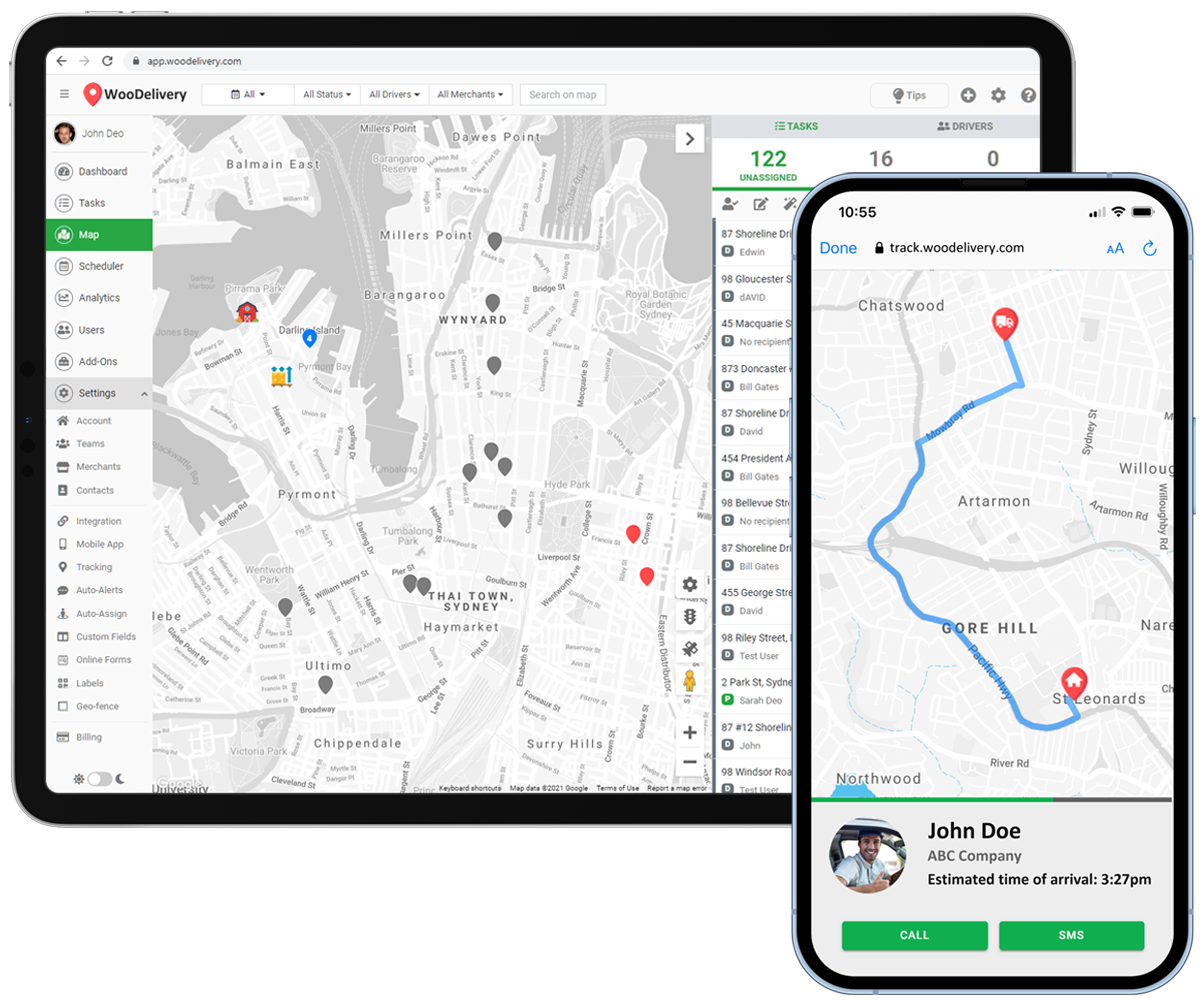
Keep your customers in-the-know by giving them live tracking maps, ETAs, and customized Email or SMS alerts at every stage of delivery. - Real-time Driver & Task Tracking
Your operations team can track the driver’s locations through our interactive dashboard map. The tracking page for your customers will show the drivers ETA, GPS position on map. - Load Vehicle
Driver can scan barcodes to load packages one-by-one to his vehicle before start delivery/prickup work. It prevent packages from getting missing before go out for delivery. - In-app Route Planner & Optimization
Your drivers can drag-and-drop delivery tasks into a different order or use Optimize Route button to automatically calculate the best route. Easily add, delete or re-optimize multiple stops while on your route.
- In-app Chat & Message Broadcast
It enables dispatchers, drivers, and merchants to engage in real-time in-app chat, instant communication, and broadcasting message through both mobile apps and the web dashboard. - Proof of Delivery
Drivers can collect proof of delivery by adding signature, photos, notes, and barcodes to the delivery job which also logs the drivers GPS coordinates.
- Cash on Delivery
Cash on Delivery (COD) feature allows your drivers to collect the payment of goods upon delivery. - Anonymous Communication
Anonymize all communications between driver to customers. The phone numbers of two parties will be masked and anonymized to protect their personal phone numbers private.
Analytics & Reporting
- Feedback and Rating
Collecting customers’ feedback has to be an integral part of your business process. Upon task completion feedback collected are instantly synced to the dashboard. - Customer Invoicing & Billing
Create and send invoices to your merchants and customers, track their statuses, remind customers of outstanding payments, and collect payments. - Driver Earnings
Define and customize the driver earning calculation formula. Managers will see driver earning reports on dashboard, and drivers will see their daily earnings on mobile app. - Time and Distance based Efficiency
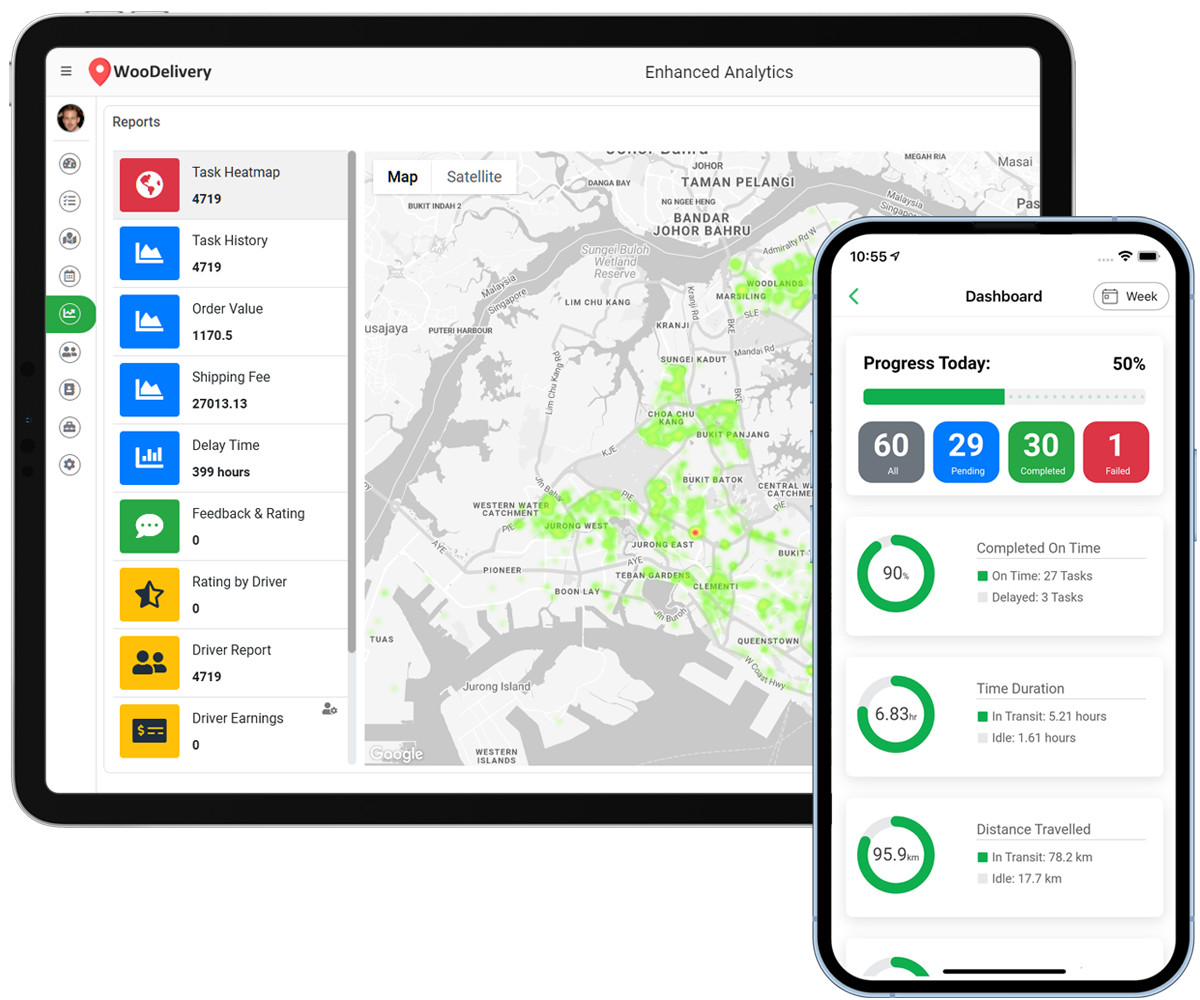
Track distance traveled and time spent on each task, and get efficiency reports of your drivers on the dashboard based on Time and Distance. - Heatmap
Heat Map is used to determine which areas or zones are generating the most amount of orders. It enables users to identify which neighborhoods are generating the most amount of orders. This way, they can optimize and allocate resources based on the number of orders.
- Dashboard Analytics
It allows organization administrators and dispatchers to view historical task and driver data in actionable graphics.Task analytics are broken up into some key metrics such as completion rate (succeeded or failed), delay time and service time.
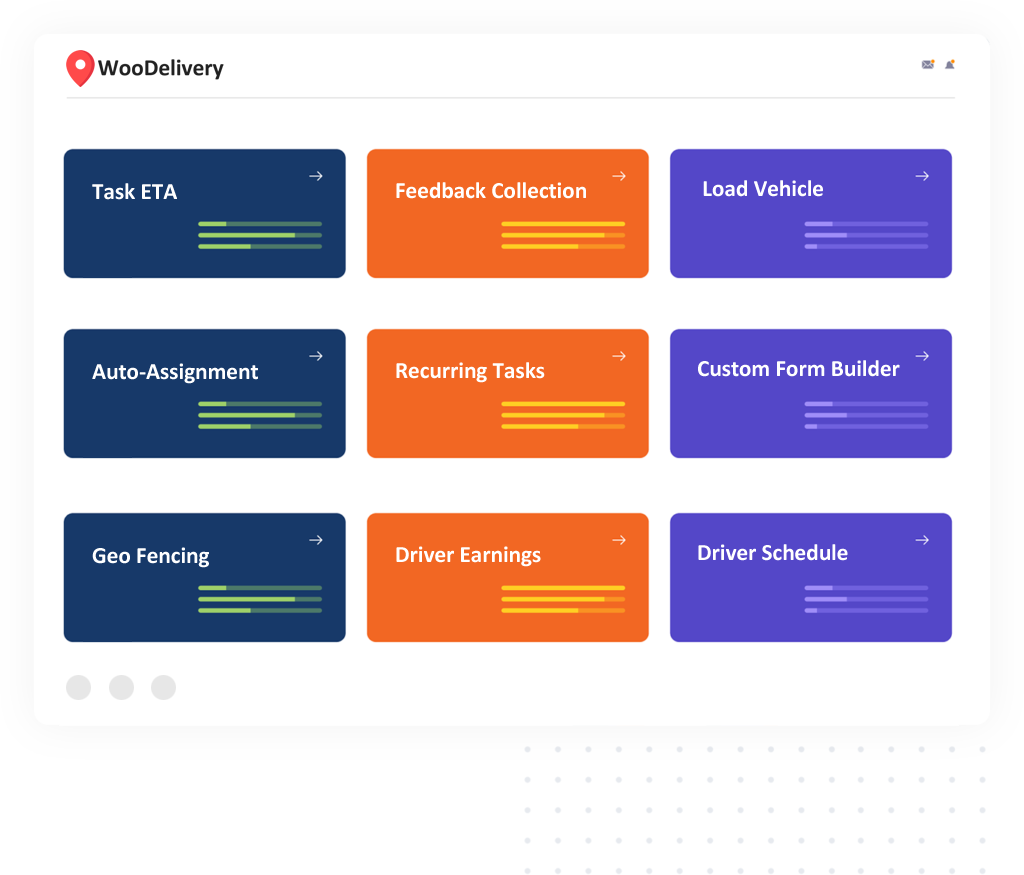
Customize WooDelivery for your business
50+ Free Add-ons & Extensions











Start Your Project With Us
New customers will get 14 days free trial. No credit card required, no hidden charge.